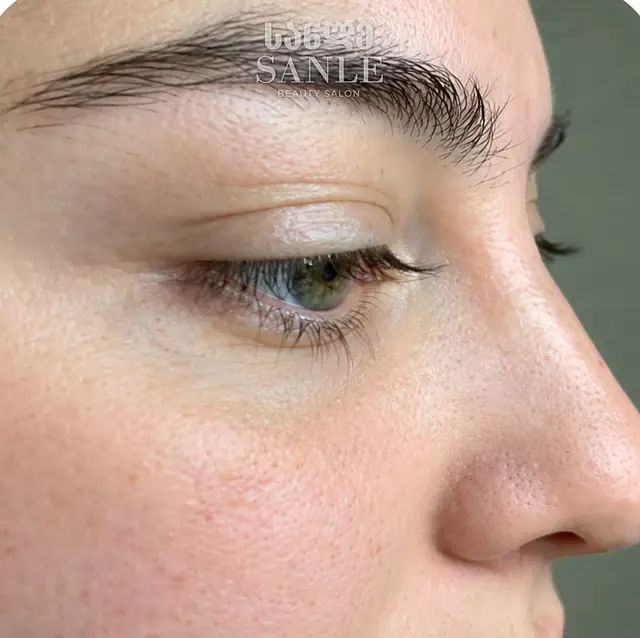
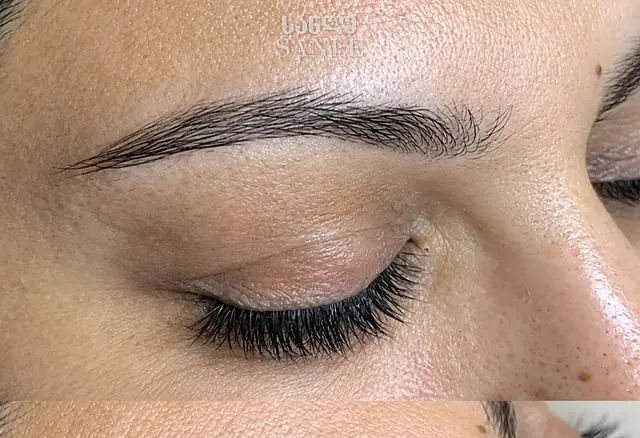
Drag the line left or right to see the result. Every photo is of our own clients.
iPhone / iPad: open this site in Safari, tap the Share button (the square with an arrow) and choose “Add to Home Screen”.
Android: in Chrome tap the ⋮ menu and choose “Install app”. Computer: in Chrome or Edge click the install icon at the right of the address bar, or menu → “Install SANLE”.
Thank you! The SANLE app is installed — look for its icon on your screen.